Customers, emails and website. All in one dashboard.
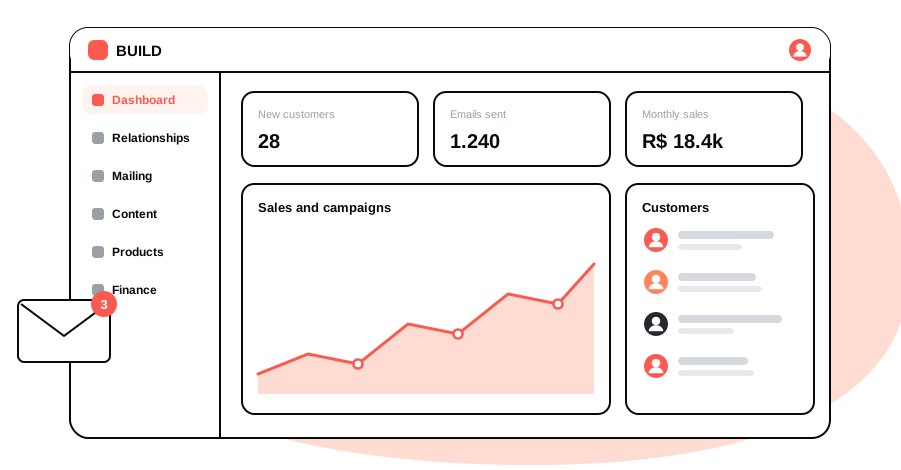
BUILD brings together CRM, proposals, email campaigns, website content, sales and finance in one secure dashboard that works on desktop and mobile.
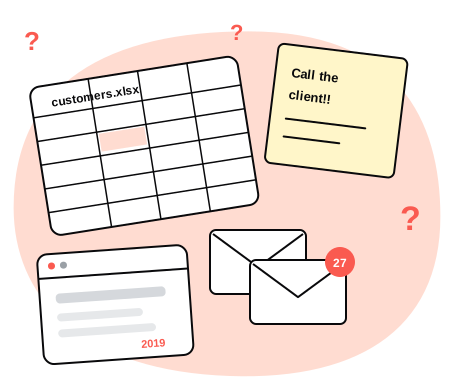
One spreadsheet for customers. Another for the bills. And the website always up to date.
When every piece of information lives somewhere else, your day turns into a hunt for the right contact, last week's proposal and the copy that needs to go on the website. BUILD brings it all together and shows what needs your attention.
-
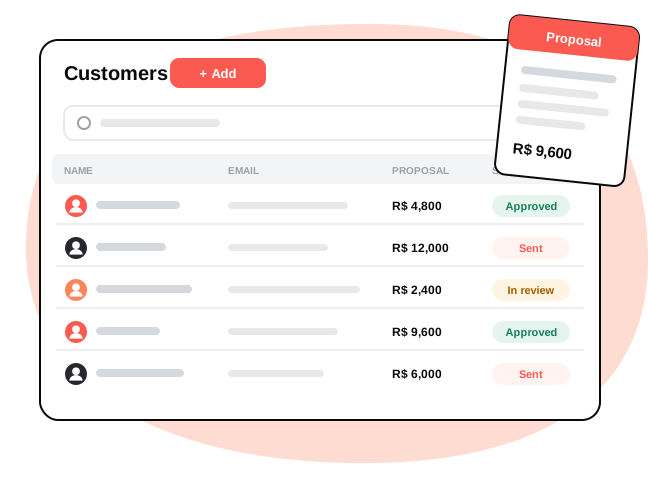
 Every customer with their history. Details, proposals and purchases in one record, ready when you need them.
-
 Campaigns without the hassle. Pick the message and the audience; emails go out in batches and you can follow each one.
-
 A website that stays current. Publish articles, highlights and products with a simple editor, no developer needed.
Meet BUILD CRM, emails and pages. Now in one place.
 secure

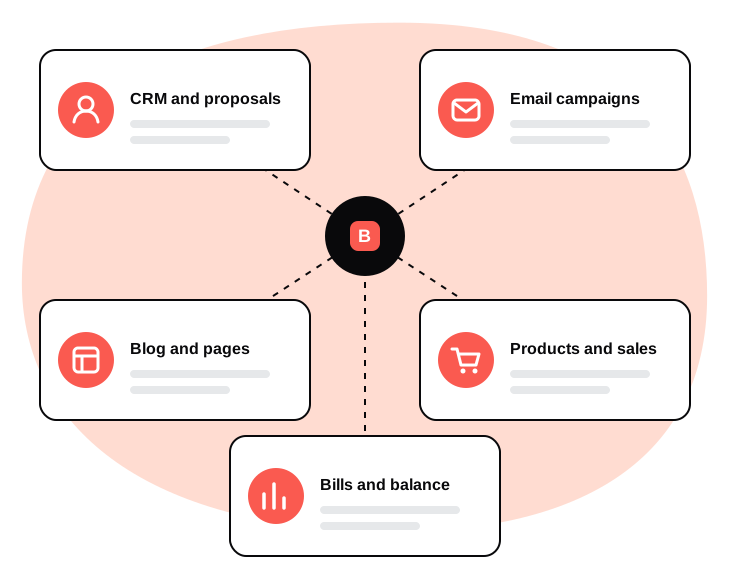
One dashboard with everything your business needs.
Each team member only sees the modules they use.
- CRM and proposals
- Email campaigns
- Blog and website pages
- Products and sales
- Bills and balance
From chaos to clarity in a few steps
- Add your customers, products and services
- Send campaigns and proposals straight from the dashboard
- Publish to your website and track sales and bills
Built for businesses that want control without the complexity
-
Protected passwords, permission-based access and a secure connection on every screen
-
CRM and proposals
Store customers with address, tax ID and contacts. Build proposals with summary, goals, timeline and price, and download a document ready to send.
Customers · Contracts · Proposals
-
Email campaigns
Group contacts by audience, write the message in the editor and send it. Emails go out in batches, with an unsubscribe link and a record of who already received it.
Contacts · Messages · Sending
-
Pages and blog
Update your website's articles, categories, highlights and courses with a text editor and image uploads. What you save in the dashboard shows up on the site.
Blog · Highlights · Courses
-
Products and checkout
Add products and plans and copy the purchase link in one click. Card and PIX payments arrive in the dashboard already confirmed.
Products · Plans · Purchases
-
Bills and balance
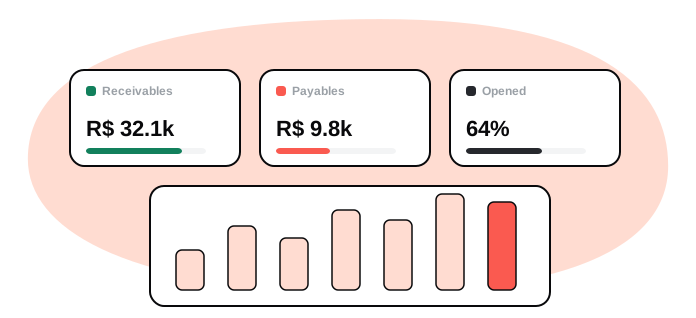
Record payables and receivables, flag the monthly ones and see what is expected for the month. The balance shows the result in a chart.
Payables · Receivables · Balance
-
Team permissions
Create users and groups and choose who can view, add, edit or delete in each area. Everyone sees only what they need.
Users · Groups · Permissions
-
Whether you are just starting or growing fast, BUILD keeps your customers, communication and website organized.
Run your whole operation from one dashboard
More features
Your customers don't wait. Your answers don't have to either.
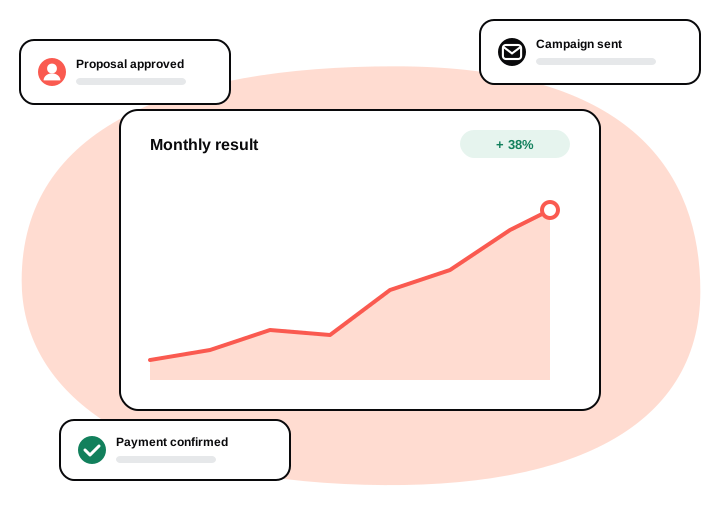
With customers, campaigns and your website in one dashboard, you respond faster, sell with more clarity and know exactly how the month is going.
Any questions?
It is a management dashboard that brings together CRM, proposals, email campaigns, website content, products, sales and finance. It runs in the browser, on desktop or mobile, with nothing to install.
You pick the message and the audience, and BUILD sends it through your company's email server, in batches. Every message includes an unsubscribe link, and the dashboard records who received it and which addresses failed.
Yes. Blog articles, categories, highlights and other content are edited in the dashboard, with a text editor and image uploads. Once saved, the content appears on the site.
Yes. Add products and plans, copy the purchase link from the dashboard and use it on your site. Payment is by card or PIX, and each purchase appears in the dashboard with its updated status.
Yes. Create users and groups and set, for each area, who can view, add, edit or delete. Finance can stay with the people who manage it, for example.
Passwords are stored encrypted, access uses a secure connection and each user only sees what their group allows. Repeated login attempts are blocked.